 My Lyrics
How to scan lyrics
Tools → Scan lyrics uses text recognition (OCR) to turn a photo of a lyric into editable text inside the app.
Capture the image
- Open Tools and tap Scan lyrics.
- Point the camera at the text and tap Take photo, or choose Select from Gallery if you already have an image.
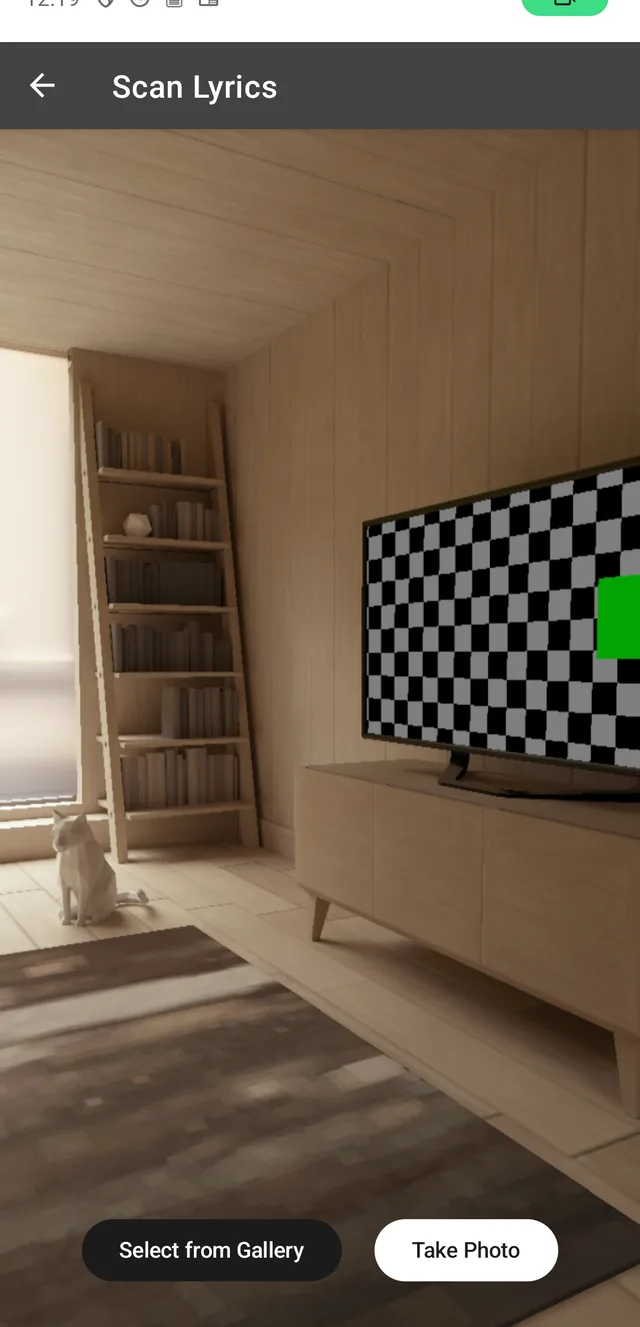
For better results, keep the page well lit, free of shadows and with the text straight inside the frame.
Review the recognized text
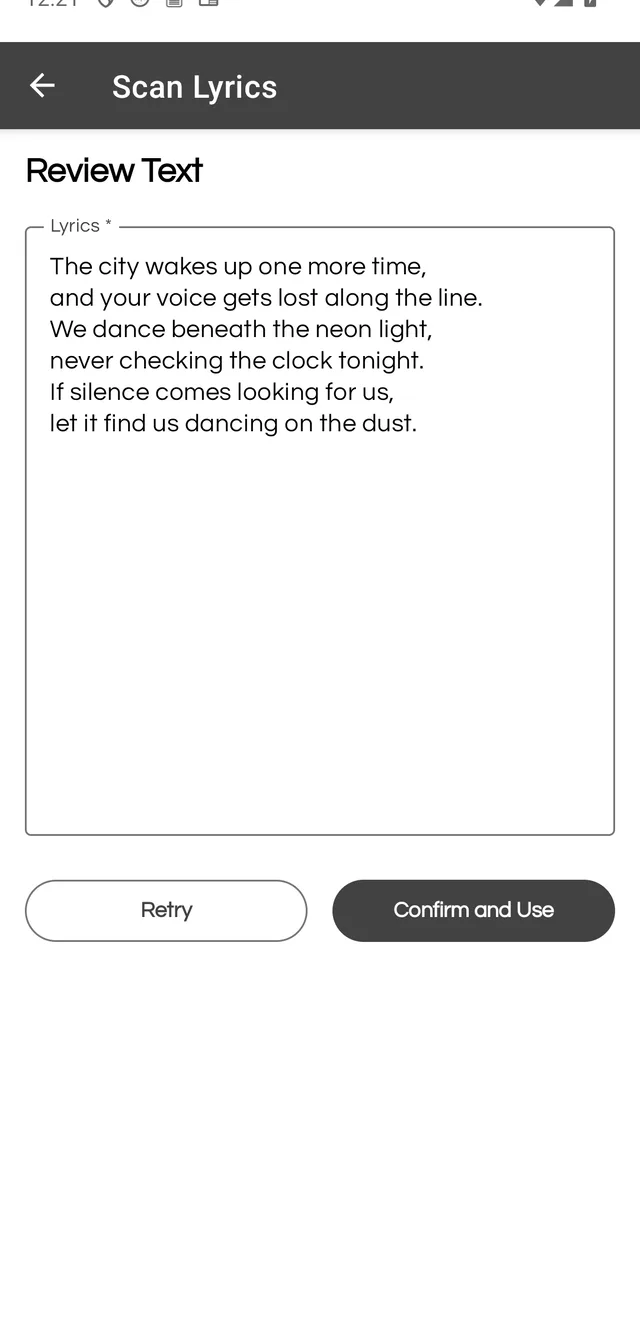
The app shows what it detected under Review Text. Before continuing, compare it with the image and fix anything that is off by tapping the text box.
- Retry processes the image again if the result is not usable.
- Confirm and Use sends the text to the song form.
Finish the song
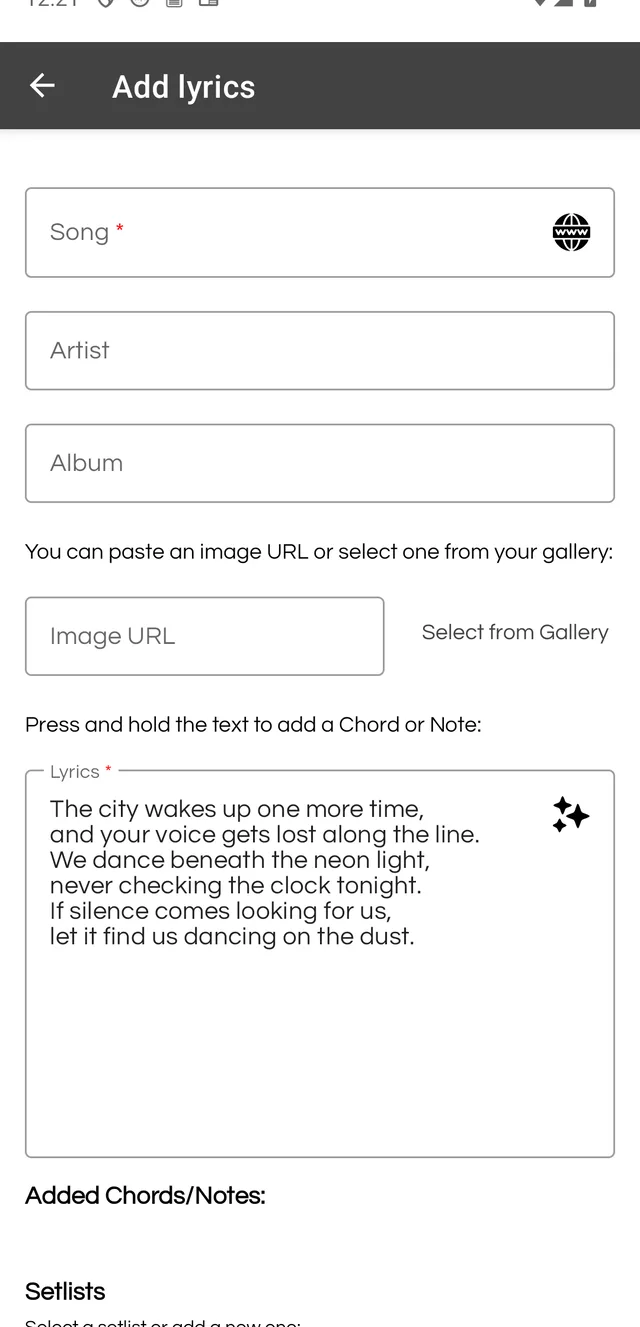
Confirming opens Add lyrics with the text already loaded. Fill in Song, Artist and Album, then save the song like any other.
Free version: you get 3 uses of this tool. PRO makes it unlimited.